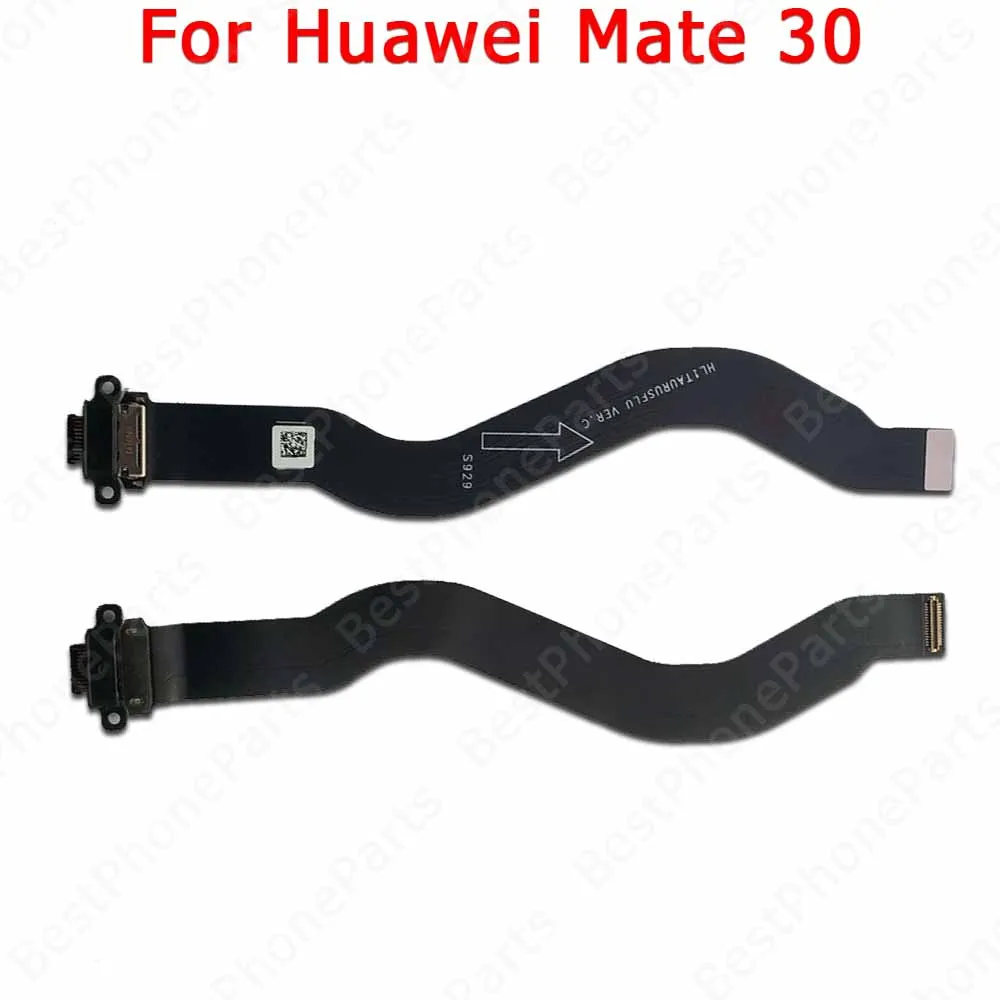
Description:
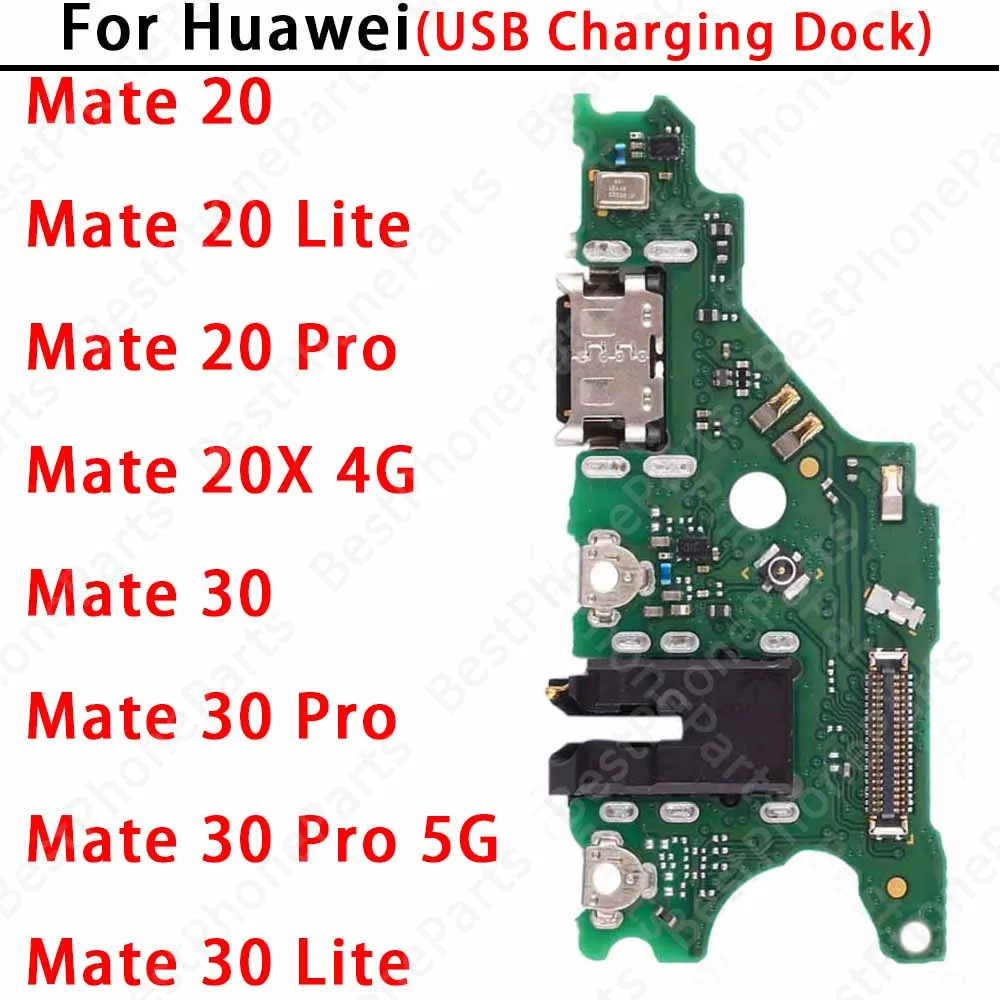
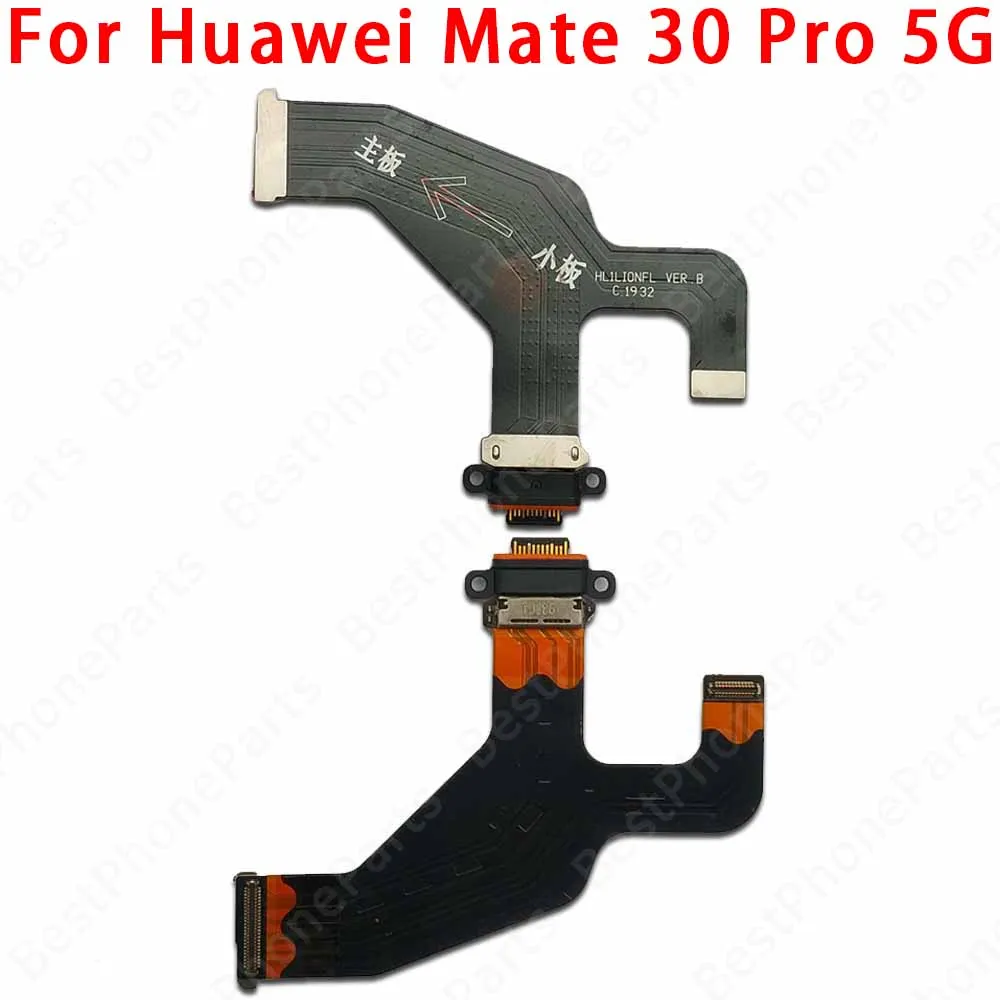
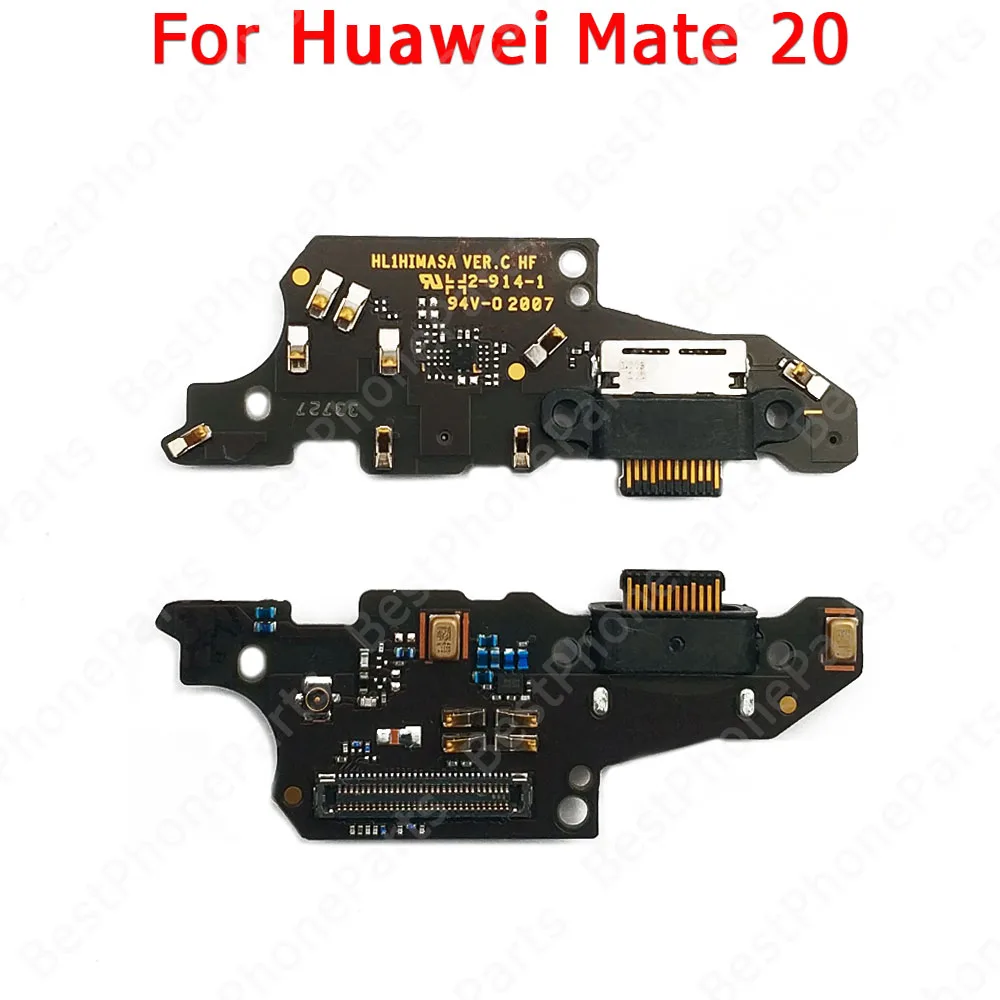
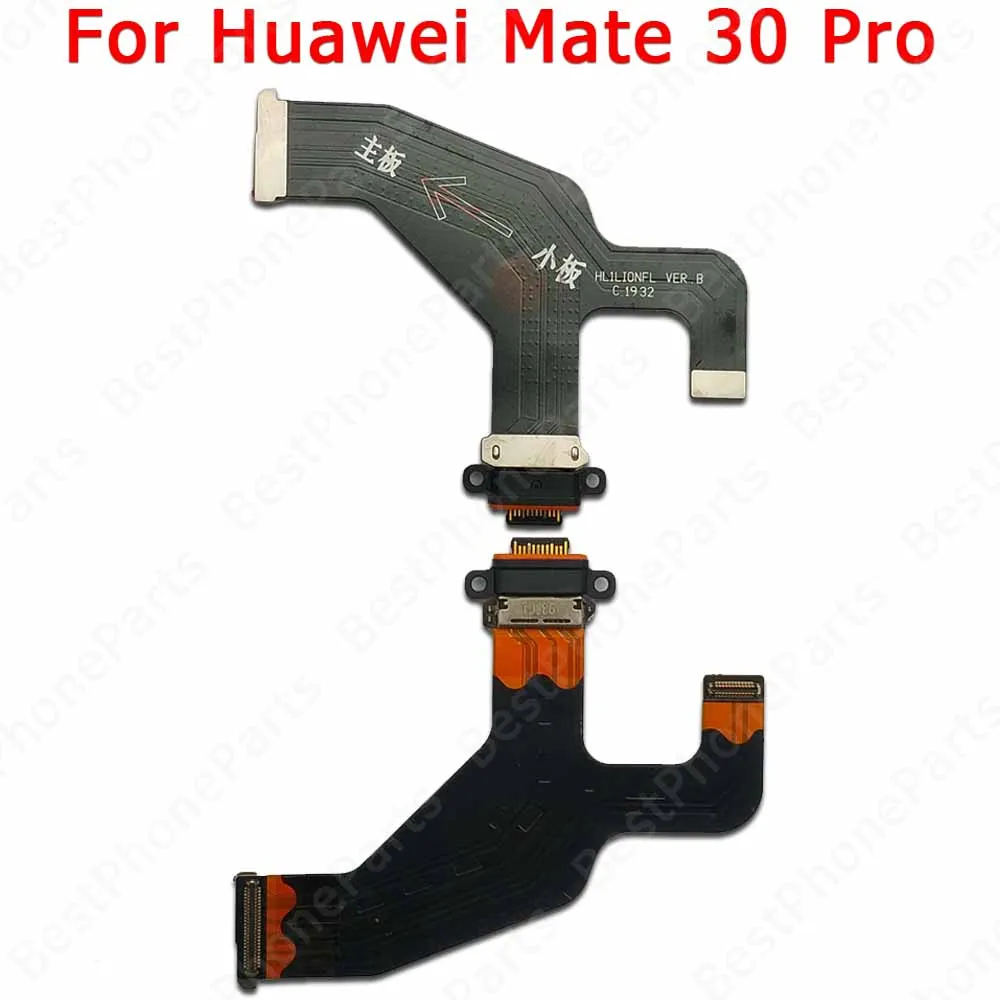
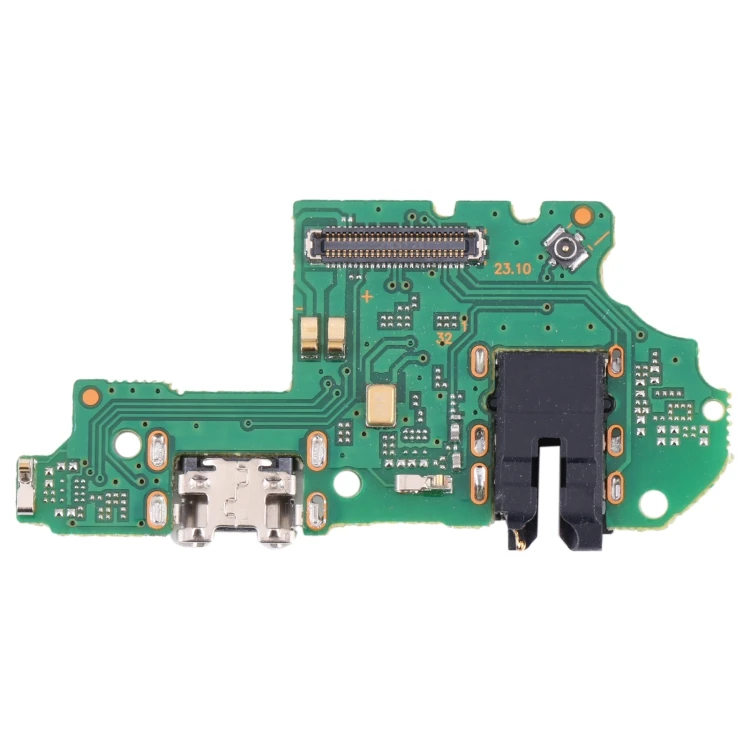
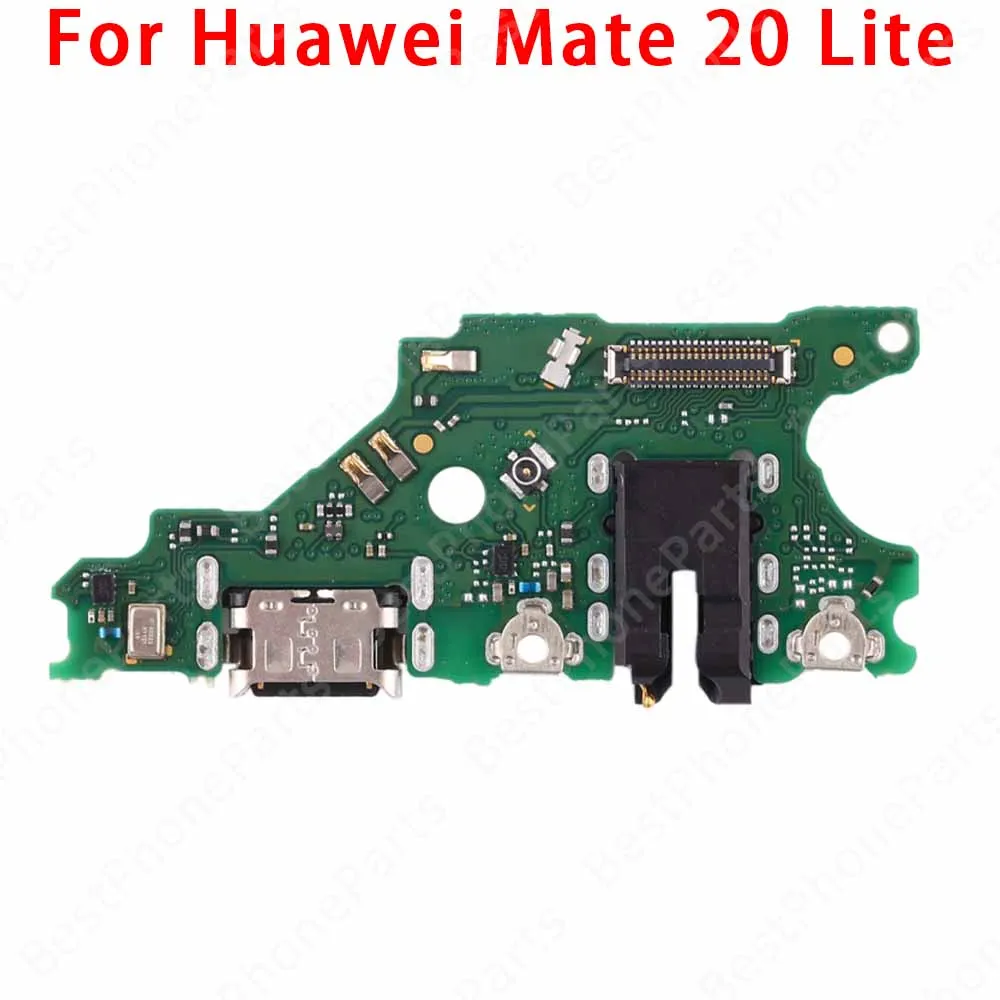
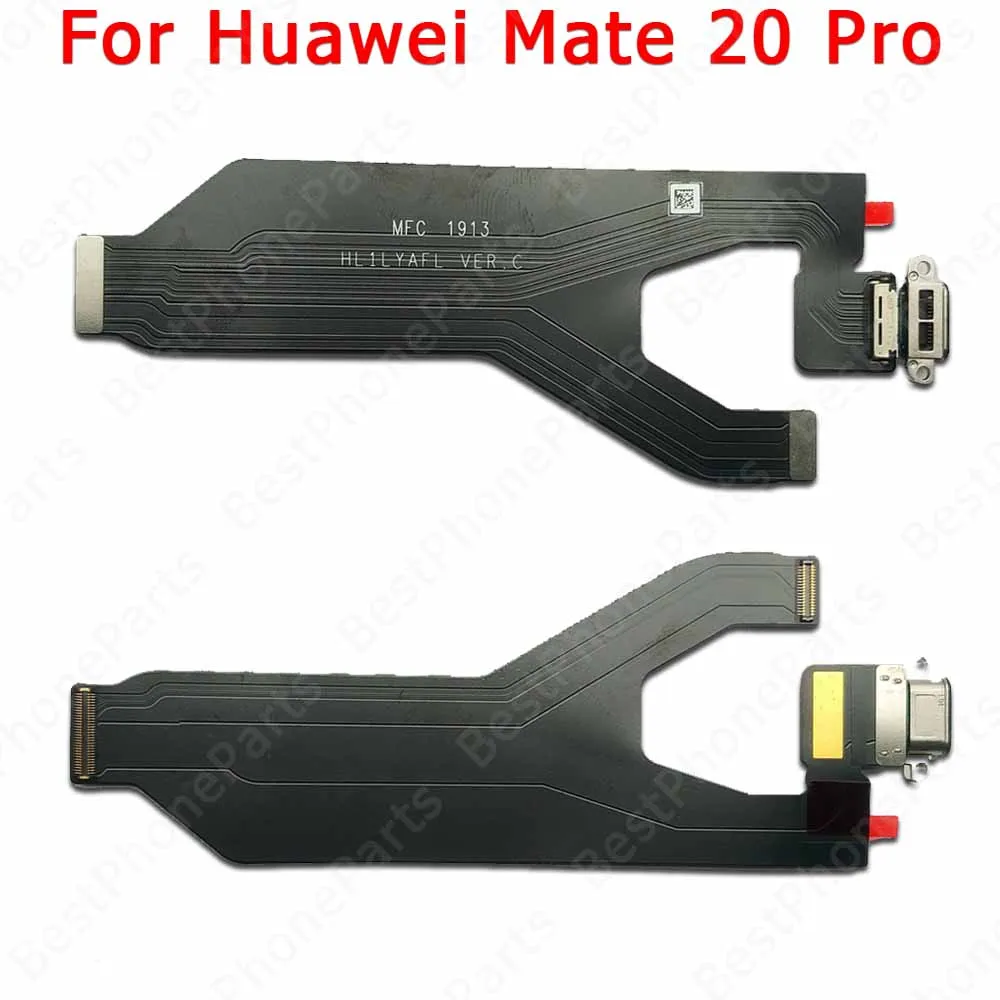
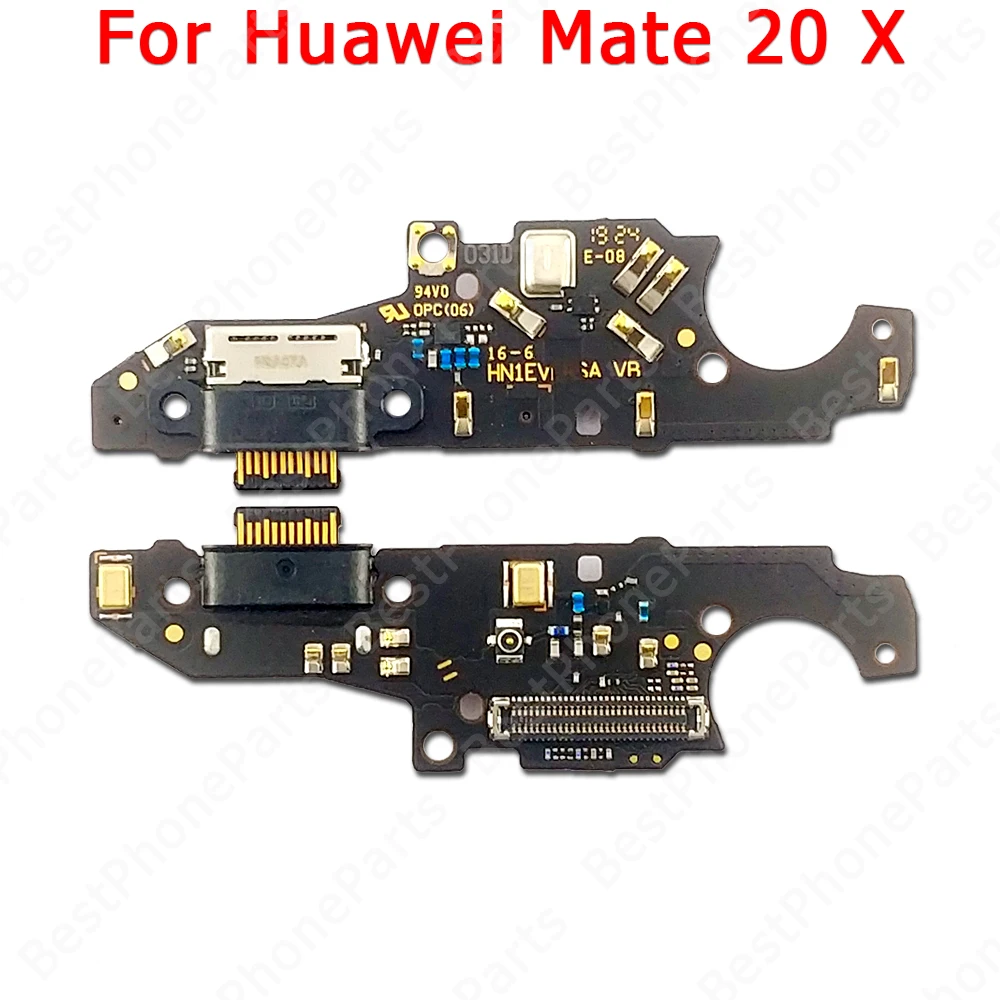
For Huawei Mate 20 20X 30 Lite Pro Mate20 Mate30 Mate30Pro 4G 5G New USB Charging Port Dock Board Connector Flex Cable With MIC
Replace your broken or unworkable USB Charging Port with a new one.
Professional technician is recommended for installation.
Features:
100% original, all items are tested one by one before shippment.
Supports Fast Charging, OTG date transfer, with microphone, etc.
Pack Content:
1ⅹOriginal usb charging port dock connector charger pcb board.
Shipment:
All your orders will be shipped within 24 hours.
Fast free shipping with tracking information.
The steps to install the phone charging pad are as follows:
1. Preparation : First, make sure that the phone is turned off and remove the SIM card and SD card (if applicable). Prepare the required tools such as picks, small Phillips screwdrivers, etc.
2.Remove the back case of the phone: Use a pick blade to remove the back case along the edge of the frame of the phone, being careful not to use too much force to avoid damaging the phone.
3.Remove the original charging pad : You can see that the charging pad is fixed by several screws, use a small Phillips screwdriver to loosen the screws and carefully remove the charging pad from the phone. Be careful not to pull on the cable to avoid damage.
4. Install the new charging pad: Align the new charging pad in place, making sure all the interfaces and antennas are connected correctly. Move the original rubber rings for the patches and indicators to the new board to avoid damage.
5. Secure the new charging pad : Use screws to secure the new charging pad to your phone's motherboard, making sure all screws are tightened. Be careful not to use excessive force so as not to damage the internal structure of the phone.
6. Test function: Reassemble the phone, turn on to test whether the new charging pad is working normally. If everything looks good, the installation is complete.
Notice:
Be careful during the disassembly and installation process to avoid damage to the phone due to excessive force.
Make sure all the connecting wires are connected correctly to avoid the problem of poor contact.
After the installation is completed, be sure to conduct a functional test to ensure that everything is normal before continuing to use the phone.